
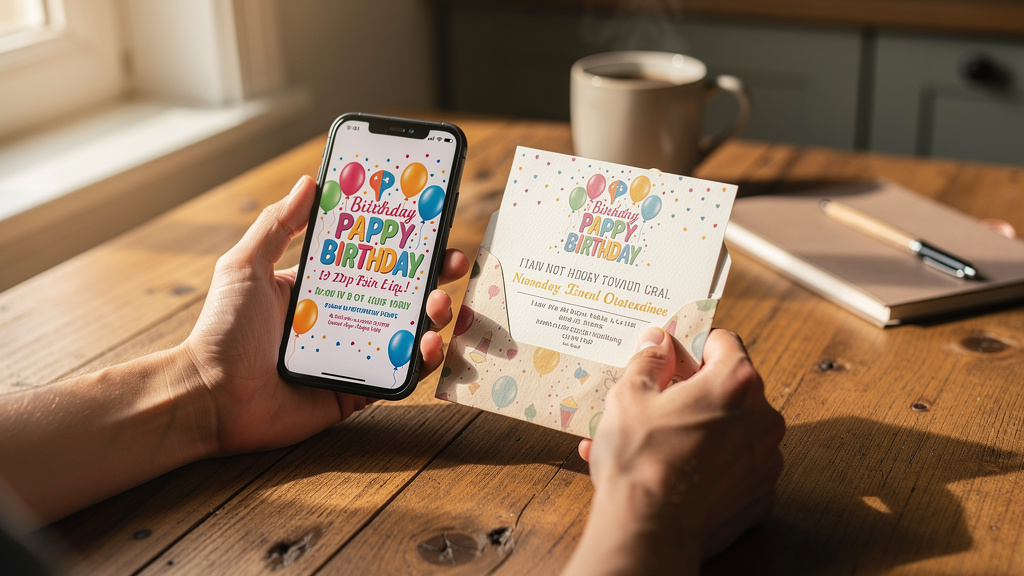
There is a quiet moment in party planning many parents know well. The house is calm, the kids are asleep, and a parent is staring at two choices:
a bright digital invitation ready to send, and a stack of printed invitations waiting for stamps. Both feel special, and both carry real costs.
Digital invites feel fast and affordable, but some parents worry they are too casual for a first birthday or religious milestone. Printed cards feel traditional and keepsake‑worthy, but the bill grows with every extra envelope and stamp.
For the same guest count, invitation costs can sit under fifty dollars or climb well past one thousand, and understanding E-Invites vs Printed Invites: the complete comparison helps parents make informed decisions. That swing comes from small choices: paper, printing method, postage, design fees, and time. This guide walks through those pieces so you can see:
- Where the money actually goes
- How digital vs printed invitations compare on cost, time, and effort
- When a hybrid approach makes sense
Layer7 Designs works with parents on this decision every day. By the end, you will have a clear, practical picture so you can pick the option that fits your child, your guests, and your budget.
As one experienced event planner often tells parents, “The invoice is only half the story; the real price shows up in your time and your follow‑up.”
Key Takeaways
- Digital invitations are usually far cheaper for large guest lists. Many families stay under one hundred dollars per event, even with a paid platform and a premium template.
- Printed invitations for one hundred to one hundred fifty guests often fall between two hundred fifty‑six and six hundred fifty dollars before upgrades; premium printing can push costs into the thousands.
- Hidden costs (reprints, extra postage, rush printing, reminder messages) can raise the real total by thirty to fifty percent.
- A hybrid plan—printed cards for grandparents and digital invites for classmates—often cuts costs by hundreds of dollars while keeping sentimental keepsakes.
- The best choice depends on budget, timing, guest ages, formality, and environmental values, not just looks.
What Are Digital Invitations and Printed Invitations?
Digital invitations are electronic cards sent by email, text, messaging apps, or private social media groups. They might be:
- Static images
- Animated cards with confetti or balloons
- Short video invitations with music and voiceover
Many platforms also include RSVP buttons, guest tracking, and automatic reminders.
Printed invitations are physical cards that guests can hold, hang on the fridge, or keep in a memory box. A typical set may include:
- Main invitation card
- Optional details or directions card
- RSVP card and return envelope
- Outer envelope (sometimes lined or decorated)
Layer7 Designs sits in the middle of both worlds. Parents get professional, kid‑focused templates that open in Canva, can be sent digitally, and can also be printed at home or through a local shop.
Complete Cost Breakdown For Digital Invitations in 2025
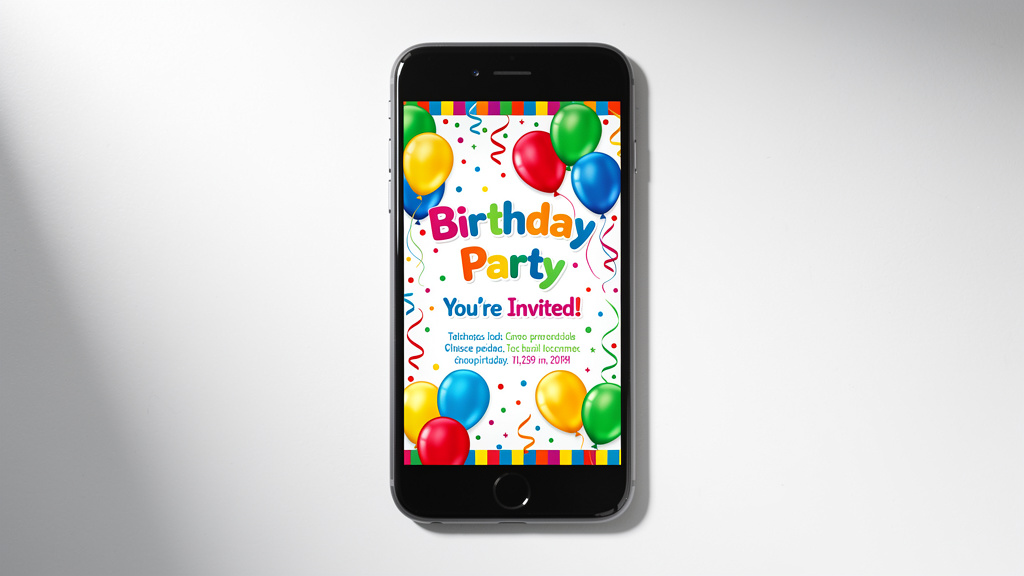
Digital invitations have a reputation for being affordable, and for most children’s parties that holds up.
Typical costs include:
- Platform or event fee
- Subscription plans with premium features: about fifty to one hundred fifty dollars per year
- Single‑event plans: roughly thirty to sixty dollars per party
- Design or template cost
- Free templates (often simple or heavily branded)
- Premium templates: zero to fifty dollars
- Layer7 Designs templates: about 3.50 to 7.99 Canadian dollars per file, Canva‑editable and reusable
- Optional extras
- Custom animations, logo removal, or special video hosting: usually ten to thirty dollars
Sending is where digital invites save the most:
- No paper or envelopes
- No stamps
- No extra cost per guest
For example, using a seven‑dollar Layer7 Designs template and a low‑cost platform:
- 20 guests: well under 1 dollar per guest
- 50 guests: often below 75 cents per guest
- 100 guests: many parents stay under 100 dollars total, including any platform fee
For families juggling several birthdays, school events, and holidays each year, those savings add up fast, especially when considering Digital vs Physical Birthday invitations for multiple annual celebrations.
Complete Cost Breakdown For Printed Invitations in 2025
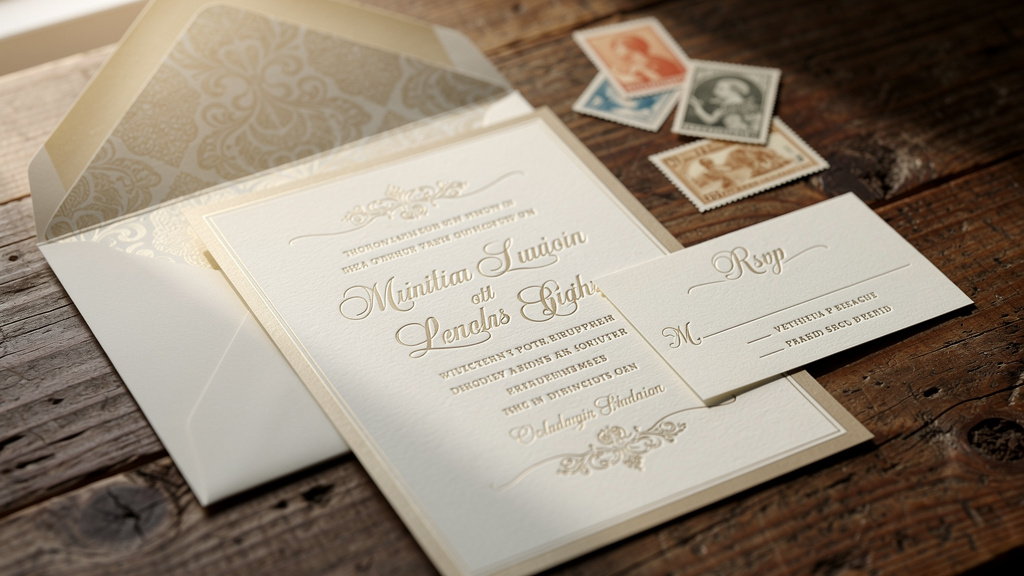
Printed invitations can range from simple and affordable to very high‑end. For a guest list of one hundred to one hundred fifty people, expect:
- Basic printed sets (card, plain envelope, standard postage):
- Roughly 256 to 650 dollars
- Extra pieces can add quickly:
- Detail / directions cards: about 150 to 500 dollars per 100
- RSVP cards with stamped return envelopes: extra printing plus extra stamps
- Decorative envelope liners: around 250 to 400 dollars per 100
- Wax seals, painted edges, or specialty cuts: another 150 to 400 dollars per 100
- Printing method makes a big difference:
- Digital printing (most budget‑friendly): about 500 to 800 dollars per 100 complete suites at stationery shops
- Thermography or offset: often 800 to 1,800 dollars per 100
- Letterpress: rarely under 1,500 dollars per 100, more with extra ink colors
- Engraving: frequently starts near 2,000 dollars per 100 suites
- Postage
- Standard letter stamp: about 0.60 dollars
- Heavy, square, or over‑stuffed envelopes: 1.20 dollars or more
- RSVP envelopes with return stamps double the number of stamps needed
Once you add thicker paper, premium printing, liners, and RSVP cards, total print costs for 100–150 guests can climb past 2,500 dollars, especially with custom design fees.
Hidden Costs Most Parents Miss
Sticker prices rarely tell the full story. Time, corrections, and “little extras” can change the real numbers for both formats.
Hidden Costs of Digital Invitations
Even when templates are affordable, parents should plan for:
- Time to design and learn tools
- Getting comfortable with Canva or a new platform: one to three hours
- Picking photos, writing wording, and testing on phones and laptops
- Follow‑ups to certain guests
- Grandparents or older relatives may miss emails or dislike links
- Extra texts or calls to confirm they saw the digital invite
- Backup prints or keepsakes
- Five to ten printed copies for relatives or memory boxes: ten to thirty dollars
- Premium platform features
- Removal of branding, advanced RSVP forms, or extra media hosting: modest add‑ons, but still add up
In most families, those hidden pieces add maybe fifty to eighty dollars beyond the template and main platform fee.
Hidden Costs of Printed Invitations
Paper invites hide more surprises:
- Reprints after typos
- One wrong digit in a date or address can mean reprinting the whole batch: often 300 to 600 dollars
- Postage surprises
- Heavy cardstock, square envelopes, and multiple inserts bump letters into higher postage classes
- International guests may cost 1.50 to 3 dollars per envelope
- Labor and time
- Stuffing, sealing, and addressing 100 envelopes: three to five hours
- If using calligraphy: two to five dollars per envelope
- Extras and rush fees
- Ten to fifteen percent extra invitations “just in case”
- Rush printing or shipping: often 20 to 50 percent more than standard pricing
A simple comparison for a 100‑guest party:
| Hidden Cost Category | Digital Invitations (approx.) | Printed Invitations (approx.) |
|---|---|---|
| Extra tools or premium add‑ons | 20–40 dollars | 50–150 dollars |
| Parent time for admin | A few hours | Several evenings |
| Reprints and rush charges | Usually 0 | 300–600 dollars |
| Postage overages | 0 | 40–100 dollars |
For most families, digital invitations add only a small amount in hidden costs; printed invitations can add several hundred dollars beyond the original quote.
Time Investment From Creation to Delivery
For many parents, time is as tight as money. Here is how long each path usually takes.
Digital Invitation Timeline
With a ready‑made template, digital invites move fast:
- Choosing and editing a Layer7 Designs Canva template: about one hour
- Testing the invite on phone and laptop: a few minutes
- Sending by email, text, or message: instant
- Updating the card (rain date, time change, parking notes): minutes, not days
Most parents can go from idea to guests seeing the invite in one to two hours of total work.
Printed Invitation Timeline
Paper invitations follow a much longer path:
- Design and proofing: one to two weeks
- Printing: three to ten business days, depending on method
- Shipping from printer to you: two to three business days
- Addressing, stuffing, and sealing: three to five hours
- Postal delivery to guests: three to seven business days
Because of these stages, planners suggest mailing six to ten weeks before the event, and you may need to start design work up to three months before the party.
RSVP Management For Efficiency and Guest Tracking
Getting a headcount affects cake size, food, seats, and goody bags. Here is how each format handles RSVPs.
Digital RSVP Advantages
Digital invitations make responding simple:
- Guests reply with one click or tap
- Responses are logged automatically in a dashboard
- Parents can view totals anytime, even from a phone
- Automatic reminders nudge guests who have not answered
- Custom questions (allergies, siblings attending, shirt sizes) fit neatly into the RSVP form
This cuts down on manual tracking, typos, and last‑minute surprises.
Printed RSVP Challenges
Paper RSVPs require more work:
- Guests must fill out a card, remember to mail it, and wait for delivery
- Parents open each envelope and type details into a list or spreadsheet
- Handwriting can be hard to read; some cards are returned with no name
- Lost or late mail is common, especially around holidays
For a 100‑guest party, manual RSVPs can easily take two to three hours of extra work, plus follow‑up calls.
Formality, Aesthetics, and Guest Perception
Invitations set the tone. They tell guests not only when to come, but what kind of party to expect.
“Good manners are about consideration, not cardstock,” as many etiquette writers like to say.
When Printed Invitations Make Sense
Printed invitations fit best when:
- The event feels very formal (religious ceremonies, big milestone celebrations)
- There are many older relatives who expect mail and enjoy displaying cards
- The guest list is small (under twenty‑five people), keeping costs reasonable
- Parents want a tactile keepsake for a baby book or memory box
Thick cardstock, letterpress, and wax seals pair nicely with classic or black‑tie themes, if the budget allows.
When Digital Invitations Excel
Digital invites shine when:
- The party is casual—backyard birthdays, trampoline parks, pizza nights, school‑friend parties
- The guest list is large, such as inviting a whole class or team
- Parents care about budget and want money free for activities and decorations
- Families value eco‑friendly choices and lower paper waste
- Guests are mostly millennial or Gen Z parents who live on their phones
Layer7 Designs templates show that digital does not mean plain. With high‑resolution graphics, thoughtful typography, and Canva editing, they look as polished as many printed designs on a phone screen.
Guest Demographics And Who You Are Inviting
The “right” format depends heavily on who is on your list.
Generational Preferences
General tendencies (with plenty of exceptions):
- Baby Boomers (65+): Prefer mail, keep cards on the fridge, may ignore email invites
- Gen X: Comfortable with both formats
- Millennials: Usually prefer digital invitations for convenience and cost
- Gen Z and younger adults: Expect texts, emails, or links, not formal mail
As a rule of thumb:
- If 70% or more of guests are millennial or Gen Z parents, digital is very safe
- If 30% or more are over sixty‑five, consider a hybrid approach
Tech Comfort and Accessibility
Think through:
- Do key guests regularly check email?
- Do they have smartphones and feel okay opening links?
- Do any guests have limited internet access?
For tech‑shy relatives, you can:
- Send a printed card
- Or follow up a digital invite with a call or simple text confirmation
Digital invites can also be easier to zoom in for guests with low vision, while printed cards may need larger fonts to be easy to read.
Environmental Impact And Sustainability Considerations
More parents want parties that feel fun without feeling wasteful, a trend explored in WEDMA : SMART ONLINE event invitation research showing growing preference for eco-friendly digital solutions. Invitations are one easy place to reduce impact.
Environmental Cost of Printed Invitations
Printed invitations require:
- Trees and water for paper production
- Chemicals for bleaching and coating
- Energy for printing presses and cutting
- Fuel for shipping and postal delivery
A full invitation suite for fifty guests can use dozens of pounds of paper once you count cards and envelopes. Many of those pieces end up recycled or thrown away within months.
Environmental Benefits of Digital Invitations
Digital invitations:
- Use no paper, ink, or physical transport
- Create no leftover stock or damaged prints
- Avoid landfill waste from offcuts, plates, and misprints
Servers and devices use energy, but the per‑invite impact is tiny compared with paper. For eco‑minded families, e‑invites are a simple, visible way to teach children about thoughtful resource use.
Personalization and Customization Options
Both formats can feel personal; they just do it differently.
Digital Customization Power
Digital cards give parents a lot of creative freedom without new printing charges:
- Change colors to match balloons, cake, or decorations
- Swap fonts and wording until they feel right
- Add photos or short video clips of the birthday child
- Include links to maps, gift lists, or party websites
With Layer7 Designs templates in Canva, you can:
- Edit text, colors, and layout with drag‑and‑drop tools
- Pick from kid‑friendly themes like Dinosaur Two‑Rex, Sweet One Donut, Safari, Winter Onederland, and more
- Export both phone‑friendly images and print‑ready PDFs from the same design
You pay once, then can reuse elements for thank‑you cards or future birthdays.
Printed Invitation Customization
Printed invitations personalise through:
- Paper choice: thick, soft‑touch, textured, or smooth
- Specialty printing: letterpress, embossing, debossing, foil
- Physical touches: ribbon, wax seals, die‑cut shapes
These details look and feel special, but every change after printing starts often triggers new printing costs and extra time. Printed invites work best for designs that will not need last‑minute edits.
Best Digital Invitation Platforms for 2025
There are many platforms; the right one depends on budget, style, and how often you host events. Layer7 Designs stands out for parents who want strong design without subscriptions.
| Platform | Typical Cost Range | Key Strengths | Best For |
|---|---|---|---|
| Layer7 Designs | 3.50–7.99 CAD per template | Canva‑editable, kid‑focused themes, print‑ready exports, video options | Children’s birthdays, one‑time family events |
| Paperless Post | Around 50–100 dollars per event | Stylish designs, coin‑based premium cards | Upscale adult or mixed‑age events |
| Greenvelope | About 119 dollars for up to 120 guests | Strong RSVP tools, formal layouts, eco message | Formal digital invitations |
| Joy | Many features free | Event websites and multi‑event planning | Weddings and complex event sets |
| Evite | Free with ads; about 14.99 dollars per year premium | Huge template library, quick setup | Very budget‑conscious parties |
| Riley & Grey | About 35 dollars per month or 240 per year | Subscription with unlimited invites | Households or planners with frequent events |
For a single themed birthday, a Layer7 Designs template plus email or text is usually the best mix of price, control, and design quality.
Common Mistakes to Avoid
Even with good tools, a few common missteps can waste money or time.
Digital Invitation Mistakes
Watch out for:
- Sending invites too close to the party; aim for at least four weeks for bigger events
- Not warning grandparents or older relatives to look for an email invite
- Forgetting to test the design on both phones and computers
- Putting all important details only inside an image (some email apps block images)
- Skipping RSVP questions about allergies, sibling attendance, or headcounts
Printed Invitation Mistakes
Avoid:
- Ordering exactly the number of invitations you think you need, with no extras
- Skipping a printed proof and missing typos
- Choosing heavy or square envelopes without checking postage rules
- Starting design work too late and paying rush fees
- Using handwriting or ink colors that postal machines struggle to read
A short checklist before sending to print can save hundreds of dollars in corrections.
The Hybrid Approach For The Best of Both Worlds
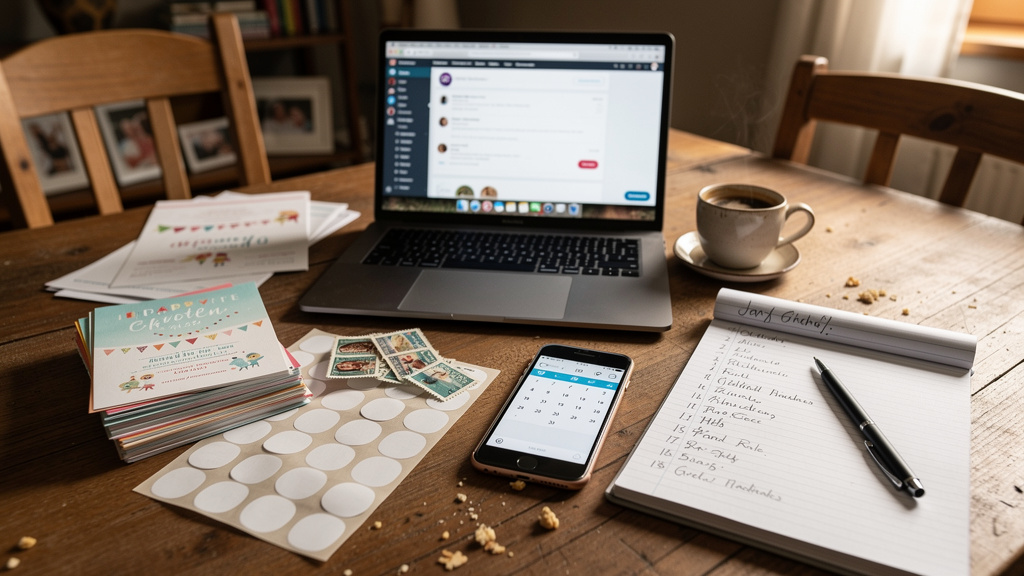
You do not have to pick only one format. A hybrid invitation strategy lets you match each guest to the style that suits them.
Who Should Get Printed vs. Digital
Printed invitations are usually best for:
- Grandparents and great‑grandparents
- Elderly relatives who love “real mail”
- Guests without reliable internet or email access
- One or two keepsake copies for your own family
Digital invitations are usually best for:
- Parents of classmates, teammates, and school friends
- Millennial and Gen Z relatives
- Neighbors and casual guests
- Anyone who prefers texts and emails
Sending ten printed cards and forty digital ones instead of fifty paper invites can easily save two hundred to four hundred dollars in printing and postage.
Hybrid Implementation Strategies
Simple ways to put a hybrid plan in place:
- Single design, two formats
- Use a Layer7 Designs template in Canva
- Export a print‑ready PDF for a small print run
- Export phone‑friendly images for digital sending
- Save the date + main invite
- Send a quick digital save the date to everyone eight to ten weeks out
- Mail printed invitations only to older relatives six weeks before the event
- Send digital invites with full details to other parents at the same time
- Print with QR code bridge
- Print simple, low‑cost cards with date, time, and a QR code
- Link the QR code to a full digital invitation and RSVP form
- Always test the QR code from a phone before printing
Making the Right Choice for Your Child’s Party
There is no one right answer. Instead, think through a few core questions.
Decision Framework And Key Questions to Ask
Ask yourself:
- Budget
- Under 100 dollars: digital is usually best
- 100–300 dollars: digital or simple printed sets, or a small hybrid
- 300+ dollars: premium printed or detailed hybrid plans are possible
- Timing
- Less than four weeks: digital
- Four to eight weeks: either format
- Eight+ weeks: printed is realistic without rush fees
- Guest Ages
- Many guests over sixty‑five: include some printed cards
- Mostly millennial/Gen Z parents: digital is very safe
- Formality and values
- Very formal or religious events: consider at least a small print run
- Eco‑focused families: favor digital or hybrid with limited paper
Quick Recommendation Guide
Typical scenarios:
- Backyard birthday for 40 classmates
- Recommendation: Digital invitations with a themed Layer7 Designs template
- Formal first birthday with many grandparents
- Recommendation: Hybrid—printed invites for older relatives, digital for other guests
- Small family dinner for 15 relatives
- Recommendation: Either format; pick what makes you happiest
- Last‑minute party with three weeks’ notice
- Recommendation: Digital, with clear RSVP dates and reminders
- Eco‑minded family with 60 guests
- Recommendation: Digital invites only, or a tiny print run for grandparents
- Fifty guests with a total invitation budget of 50 dollars
- Recommendation: Layer7 Designs template + email or text distribution
Layer7 Designs And Affordable Digital Invitation Options
Layer7 Designs was built for busy parents who want their child’s party to look thoughtful without paying premium stationery prices.
Key benefits:
- Affordable templates
- Most designs cost 3.50 to 7.99 Canadian dollars
- One‑time purchase; reuse photos, wording, or layout year after year
- Kid‑focused themes
- ABC kids, Dinosaur Two‑Rex, Sweet One Donut, Pikachu‑inspired, Safari, cars and trucks, Christmas, Winter Onederland, and more
- Matching video invitations for families who want moving, musical announcements
- Simple editing in Canva
- No design background needed
- Change colors, text, and photos with guided steps
- Export PNG/JPG for phones or PDF for printing
- Quality files
- High‑resolution graphics (300 DPI)
- Layouts sized for modern phones and standard print sizes
Parents can keep files in cloud storage, reuse elements for thank‑you cards, and know they stayed kind to both their budget and the environment.
Conclusion
Choosing between digital invitations and printed invitations can feel like one more decision in an already busy season. Once you see the costs laid out, the picture becomes clearer.
- Digital invitations for a single event often stay under one hundred dollars, even for large guest lists.
- Printed invitations for one hundred to one hundred fifty guests usually land between two hundred fifty‑six and six hundred fifty dollars before upgrades and can rise far higher with premium printing.
- Hidden costs—time, reprints, postage bumps, and follow‑ups—can raise real totals by thirty to fifty percent. Digital invites tend to keep those extras small; printed invites often add several hundred dollars beyond the first quote.
For many children’s parties, high‑quality digital invitations are the sweet spot. They look polished, cost less, are kinder to the planet, and make RSVP tracking simple. Families who treasure tradition can add a handful of printed keepsakes for grandparents through a hybrid approach.
Layer7 Designs makes that path easier by offering themed, affordable digital invitations that look professional without designer fees. With the invitation choice settled, parents can put their energy where it matters most: planning games, blowing up balloons, and watching their child’s face light up when everyone they love gathers to celebrate.
FAQs
Question 1: Are Digital Invitations Considered Rude or Too Casual?
Most etiquette experts and parents now view digital invitations as perfectly acceptable for children’s birthday parties and casual family events. The tone, wording, and design matter more than whether a card arrives by mail or email. A well‑designed e‑invite that includes clear details, a warm message, and an easy RSVP option feels just as thoughtful as a paper card. Printed invitations can still be used for very formal or deeply traditional events, or for older relatives who truly expect them.
Question 2: How Much Do Digital Invitations Really Cost Compared to Printed?
Digital invitations are usually far cheaper per guest. Many families spend under 100 dollars on a template plus any platform fees, with no extra cost for adding more guests. Printed invitations for one hundred to one hundred fifty people commonly range from 256 to 650 dollars, plus 60 to 180 dollars in postage and other extras. That often puts printed invitations at 3.50 to 8 dollars or more per guest, while digital invites often land between 0.50 and 2 dollars per guest. With Layer7 Designs templates priced around 3.50 to 7.99 Canadian dollars for unlimited use, digital options become even more budget‑friendly for birthday parties.