
Three weeks before a birthday, the living room can look like a craft store exploded. Half-finished Pinterest ideas on the table, open tabs with party checklists on the laptop, and a little voice asking what their cake will look like this year. Under all of that is the quiet pressure to make the day feel magical and to show just how loved this child is.
That pressure doubles when it is time to send invitations. Parents want something special and on-theme, but between work, school runs, and bedtime routines, hand-making or ordering fancy printed cards can feel like one task too many. Printed invitations are often expensive, slow to arrive, and oddly stressful for something that is supposed to start the fun.
This is where affordable digital invitation design services for kids change everything, offering parents modern alternatives to traditional platforms and printed cards. Instead of wrestling with design software or paying high printing fees, parents choose a beautiful design, customize it in minutes, and send it straight to inboxes and phones. No stamps, no post office line, and no panic when one invite disappears in a backpack.
As many event planners like to say, “The invitation is the first glimpse of the party.”
A simple digital file can carry just as much excitement as a thick, glossy card.
In this guide, the focus stays on ease, creativity, and real-life parenting. You will learn what digital invitations are, how they save money and time, how to pick the perfect theme, and how to customize every detail without design skills. You will also see which features act like mini party planners, how to time invitations for the best turnout, and how Layer7 Designs helps parents create magical, affordable invitations.
Key Takeaways
- Digital invitations cost far less than printed cards while still looking polished and photo-ready. No printing, envelopes, or postage.
- Customization is simple thanks to pre-made templates, drag-and-drop tools, and clear text boxes. Most parents only need to type details and pick colors.
- Time-saving features like instant delivery, RSVP tracking, and reminder messages keep guest info in one place instead of scattered texts and notes.
- Theme options cover every age and interest from animals and tractors to gaming, sports, glow parties, and more.
- Professional-quality designs are available at every price level, from free templates to low-cost premium options.
- Many services help parents carry the invitation theme into party decor, using matching colors, fonts, and graphics for decorations and goody bags.
What Are Digital Invitation Design Services
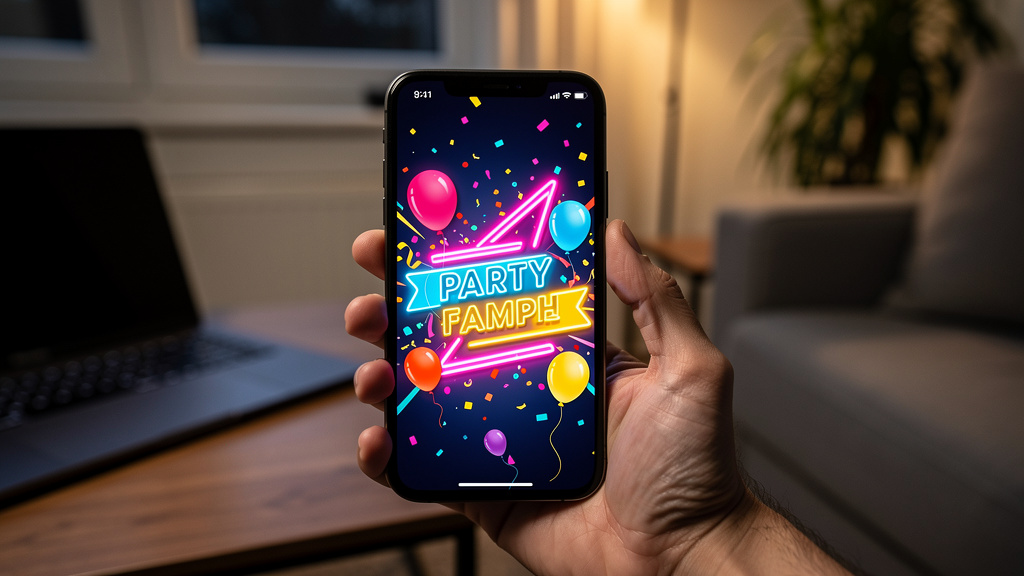
Digital invitation design services are online platforms or shops where parents create virtual party invitations instead of ordering printed cards. They offer libraries of ready-made templates, simple editors, and built-in delivery options, so anyone who can type and click can design an invite that feels professional.
The basic flow is straightforward:
- Browse templates by age, theme, or style.
- Pick a design and add the child’s name, age, date, time, and venue.
- Adjust colors, fonts, and sometimes add a photo.
- Send the invite by email, text, or a shareable link.
Compared with traditional paper invitations, this approach saves both time and money. There is no waiting for printing, no postage, and no risk that cards arrive late. Digital invitations are also eco-friendlier, with no paper or shipping waste.
Many platforms include helpful tools like RSVP tracking, guest messaging, and event pages. Most offer both free and paid options, so families can stick with no-cost designs or choose premium features when they want something extra special.
Why Choose Affordable Digital Invitations Over Traditional Options
Switching from printed cards to digital invitations can feel like a big step, especially for parents who grew up with paper invites tucked into backpacks. Once you compare cost and time, though, digital usually wins.
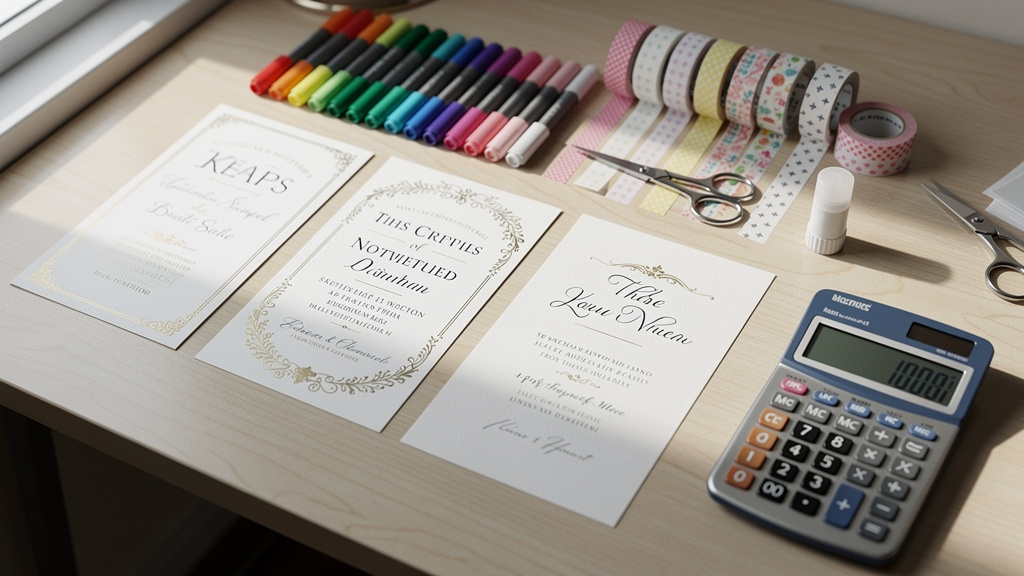
Cost: Printed invitations can run two to five dollars per card once design, printing, envelopes, and postage are added. For a class of twenty to thirty kids plus family friends, that eats up a large chunk of the party budget. Many affordable digital invitation design services for kids offer:
- Free designs, or
- Premium templates for under twenty dollars per event
Shops like Layer7 Designs offer professional kids’ templates in roughly the $3.50–$8 CAD range for a single party, covering the entire guest list.
Time: With digital invites, parents can pick a template, customize it, and send everything out in under an hour. No waiting days for printing, no addressing envelopes, and no race to the mailbox. Guests see the invite right away, which is a lifesaver when the party date is close.
Extra perks: Digital invitations can:
- Track RSVPs automatically
- Send updates if plans change
- Store all guest information in one dashboard
And for anyone who loves keepsakes, a personalized digital card with a photo and sweet wording can be printed at home using the best invitation maker apps or saved in a memory book just as easily as a traditional invite.
Finding The Perfect Theme For Your Child’s Celebration

Choosing a theme is often the most fun part of planning. The invitation is where that theme first appears, setting the mood and hinting at what kind of fun guests can expect.
Start with what your child loves right now. A toddler might adore tractors or cows, while a second grader might be deep into space, superheroes, or dinosaurs. Most affordable digital invitation design services for kids let you sort by:
- Age group
- Interests (animals, gaming, sports, rainbows, etc.)
- Style (bright, minimal, cute, bold)
Also think about the party location. A trampoline park, pool, or art studio naturally suggests certain themes, while a backyard bash might lean toward balloons, confetti, or classic birthday imagery.
Popular Themes For Toddlers And Young Children Ages 1 To 5
For younger kids, simple and colorful designs work best. Common toddler-friendly themes include:
- First birthday designs with big numbers, crowns, and sweet milestone messages
- Animals: farm, barnyard, jungle, or safari scenes with lions, giraffes, and elephants
- Sweets: cakes, cupcakes, ice cream, and candy
- Vehicles: cars, trucks, trains, tractors, and construction
- Dinosaurs: cute “Two Rex” or friendly dino characters
- Whimsical favorites: princesses, fairies, rainbows, and unicorns
Some services also offer designs inspired by popular kids’ shows and movies. These help little ones instantly recognize their favorite characters while parents get cheerful, easy-to-read artwork.
Trending Themes For School Age Kids Ages 6 To 12
As kids get older, invitations often reflect specific hobbies and interests. Strong picks for this age range include:
- Gaming: pixel art, console graphics, or arcade themes
- Sports: soccer, basketball, gymnastics, skating, or mixed-sport designs
- Creative parties: arts-and-crafts, slime labs, baking or donut decorating
- Adventure: superheroes, ninjas, pirates, or space missions with rockets and planets
- “Big kid” vibes: movie nights, sleepovers, neon or glow-in-the-dark parties
To avoid a last-minute change of heart, choose a theme your child has loved for a while instead of last week’s passing obsession.
How To Customize Your Digital Invitation Step By Step
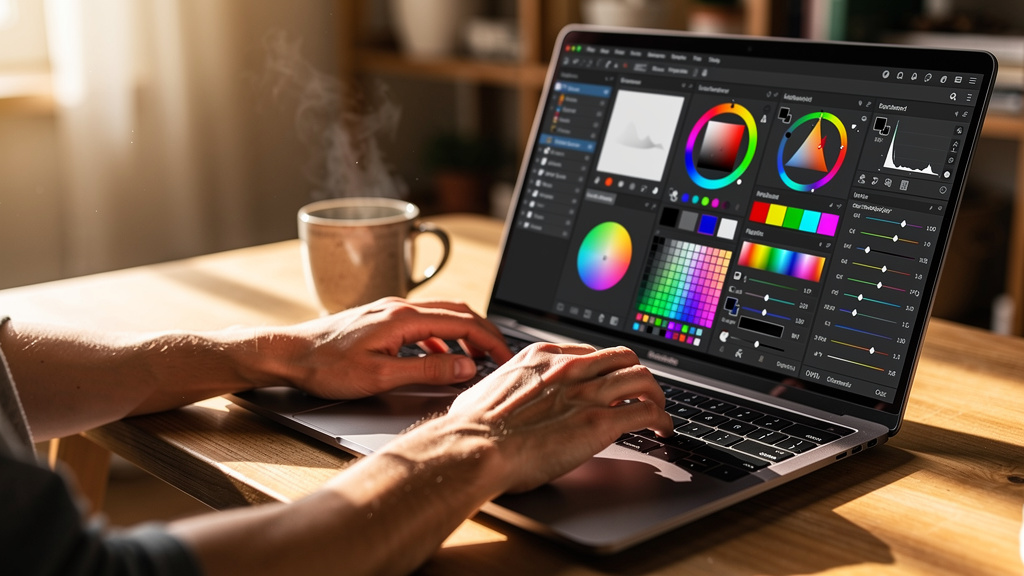
Customizing a kids party invitation sounds technical, but most platforms guide you through a few very clear steps. If you are using a shop like Layer7 Designs, you simply download the template and open it in Canva or another easy editor.
A typical process looks like this:
- Choose Your Template
Browse by theme, age, or color. Decide whether you want bright and bold, soft pastels, or a clean, modern layout. - Add A Photo (If The Design Allows)
Use a clear, well-lit photo where your child is the focus. Simple backgrounds work best, especially on small phone screens. - Enter Party Details
Type the child’s name, age, date, start and end times, and full address. Most editors show text boxes right on the design and update instantly as you type. - Adjust Fonts And Colors
Match the color scheme to balloons, tableware, or your child’s favorite shade. Pair a fun headline font with a simpler font for the details to keep everything easy to read. - Add Fun Elements
Some platforms offer digital stickers, icons, or subtle animations like sparkles or confetti. Use these lightly so the invitation stays clear. - Create Or Edit The Event Page
Many services generate a matching event page with RSVP buttons and extra details like parking info or drop-off notes. - Preview Before Sending
Check spelling, dates, and times. If possible, ask another adult to glance at it as well. When everything looks right, hit send and share the invite by email, text, or link.
Essential Features That Make Party Planning Effortless
The right digital invitation does more than look cute. Good platforms add planning tools that save time and reduce stress for busy parents. Look for these essential features:
- Automatic RSVP Tracking
See at a glance who has opened the invite, who’s coming, who’s not, and who has not answered yet. - Guest List Segmentation
Separate attending, not attending, and no-response lists. Many services also track how many adults and children will attend, which helps with food and goody bag counts. - Custom Guest Questions
Add your own fields for food allergies, dietary needs, or T-shirt sizes. All answers stay attached to each guest’s RSVP instead of being buried in texts. - Reminders And Broadcast Messages
Send gentle nudges to families who have not replied, or share last-minute updates—like a change to indoor plans because of rain—with everyone at once. - Multi-Channel Delivery
Send via email, SMS, and links for group chats. Premium options often remove ads, giving guests a clean and polished experience.
These tools turn the invitation into a simple command center for the whole party.
Crafting The Perfect Invitation Wording
Even the cutest design needs clear wording. Parents of young kids juggle school, naps, and sports, so they need to know the basics fast.
Every kids party invitation should include:
- Child’s name and age
- Date and day of the week
- Start and end time
- Full address of the venue
- RSVP deadline and contact info
Many affordable digital invitation design services for kids also offer extra detail boxes. Use these to explain:
- Whether it is drop-off or if parents are welcome to stay
- If siblings are invited
- What to bring (swimsuits, socks, towels, jackets, etc.)
- What kind of food will be served
Gift notes can be handled gently: book swaps, donations instead of toys, registry links, or “no gifts, please.” Friendly phrases like “Your presence is the best present” keep the tone warm.
Opening lines can match the theme. For example:
- Superhero: “Suit up and help us celebrate…”
- Glow party: “Get ready to light up the night at…”
- Farm theme: “Join us down on the farm for…”
Focus on clarity first. Guests should be able to skim the invite and know where to go, what time to arrive, what their child should wear or bring, and how to respond.
Timing Your Invitations When To Send For Maximum Attendance
Even the best invitation cannot help if it arrives too early or too late. Digital invites send instantly, but timing still matters.
A simple guideline:
- Home parties and casual gatherings:
Send invites 4 weeks before the party. Set the RSVP deadline about 1 week before the event. - Venue parties (trampoline parks, bowling, art studios, etc.):
Send invites 6 weeks before. Venues often want final numbers a week or two in advance, so this gives everyone time to respond. - Larger milestone events (quinceañeras, bar/bat mitzvahs, Sweet Sixteen):
Send invites 8–10 weeks ahead, similar to wedding timelines, especially if guests may need to travel.
Life happens, and sometimes parties come together quickly. One benefit of digital invitations is that even with one or two weeks of notice, a small gathering can still be well-organized as long as RSVP deadlines are clear.
Affordable Options Free Vs Premium Digital Invitations
One of the big advantages of digital invitations is how well they work for almost any budget. Parents can choose from free templates, low-cost premium designs, or subscriptions.
Here is a quick comparison:
| Option | Best For | Typical Features | Approximate Cost |
|---|---|---|---|
| Free | Small or simple kids parties | Basic templates, text editing, simple RSVPs | $0 |
| Single-Paid | Birthdays and milestones | Nicer artwork, extra fonts, stickers, no ads | About $5–$20 per event |
| Subscription | Families hosting multiple events a year | Full library access, advanced features, no ads | About $30–$60 per year |
Free templates usually cover popular themes like animals, sports, gaming, and rainbows. Premium designs add more detailed art, extra fonts, animated elements, and an ad-free experience.
Layer7 Designs sits firmly in the affordable category, offering polished, customizable kids invitation templates typically between $3.50 and $7.99 CAD. Parents pay once, download the file, and can print or resend it as needed without extra fees.
Layer7 Designs Your Partner In Creating Magical Kids Invitations
Layer7 Designs was created with one clear goal: helping parents make kids’ parties feel special without burning through time or money. The shop focuses on digital invitations for children, so every template is built around real kids’ interests and busy family schedules.
The library includes:
- Bold, story-inspired themes like Kpop Demon Hunters
- Animal adventures with safari, jungle, or farm scenes
- Dinosaur invitations, including playful Two Rex designs
- Character-inspired looks with a nod to Pokemon-style art
- Classic favorites such as basketball, transportation (cars, trains, planes), ABC alphabet, donut, Sweet One, and Two Sweet parties
Big milestones get special attention, especially first birthdays. Parents can choose:
- Winter Onederland for snowy-season babies
- Soft, pastel Sweet One layouts
- Christmas-themed first birthday designs
Layer7 Designs also offers video invitations, such as animated Kpop Demon Hunters video invites. These short clips are designed for phone screens and instantly grab attention when guests open them.
Customization is straightforward:
- Many templates are editable in Canva, so parents can change text, dates, and colors in a familiar interface.
- For families who prefer a done-for-you option, Layer7 Designs can customize the template and return a ready-to-send file.
All invitations are instant digital downloads, with designs optimized for phones but sharp enough for printing keepsakes. Behind the brand is founder Vanshika, whose love of playful design shows in the color choices, character styles, and clever layouts across the collection.
Coordinating Your Theme From Invitation To Party Decor
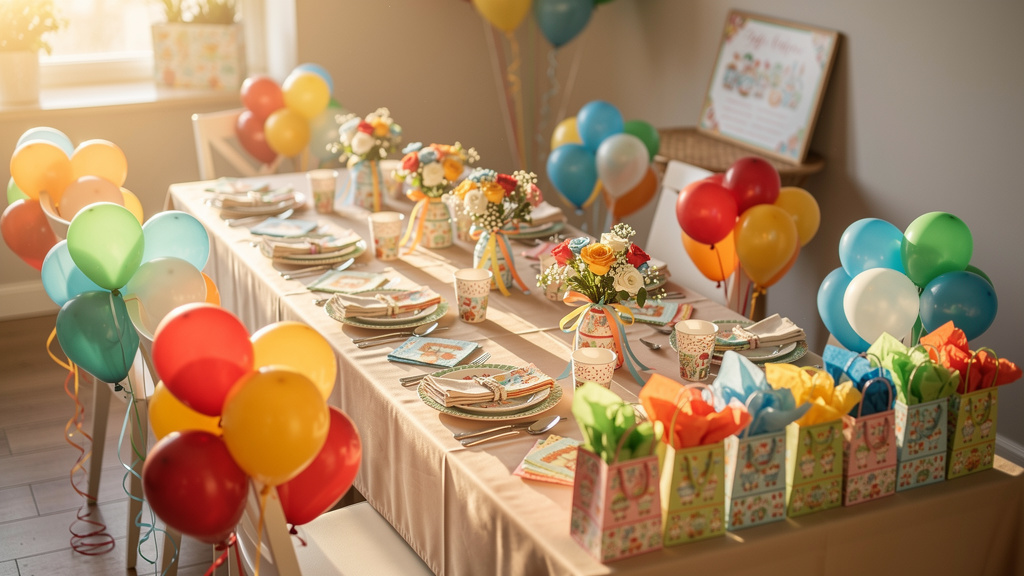
Once you choose an invitation, it becomes a simple guide for decorating the party space. Matching colors, fonts, and imagery from screen to real life makes the celebration feel well put together, even on a modest budget.
A practical approach:
- Pick 2–3 main colors from the invitation. Use them for balloons, tablecloths, plates, cups, and napkins.
- Repeat a key element—like dinosaurs, donuts, stars, or jungle leaves—on banners, centerpieces, or cake toppers.
- Mix themed items with solids. One themed tablecloth plus solid plates and cups that match the invite colors often looks better—and costs less—than all themed items.
If you are using a Layer7 Designs template, bringing a printed copy or a screenshot while shopping helps you match shades closely and resist decor that does not fit the overall look.
Conclusion
Kids parties do not have to mean last-minute stress and a stack of pricey printed cards. With affordable digital invitation design services for kids, parents can create invitations that look professional, match their child’s latest obsession, and reach guests in minutes instead of days—often for a fraction of the cost of printed stationery.
The real power of digital invites is the mix of design and planning tools: automatic RSVP tracking, simple guest messaging, and easy customization. Services like Layer7 Designs show how thoughtful digital invitations can make any birthday feel personal and memorable, from a cozy first birthday at home to a glow party for tweens.
Most importantly, this level of quality is now accessible to any parent, regardless of design experience or budget. With the right template and a few clicks, you can send an invitation that makes your child beam and guests smile—setting the tone for a celebration they will talk about long after the last balloon has deflated.
Frequently Asked Questions
Question 1: Do I Need Design Experience To Create A Digital Invitation?
No. Most platforms use drag-and-drop tools and simple text boxes, so you mainly type party details and choose from preset options. Pre-designed templates handle layout and color, while Canva-friendly files from shops like Layer7 Designs make editing feel as easy as working on a document.
Question 2: Can Older Family Members Who Are Not Tech Savvy Receive Digital Invitations?
Yes. Digital invitations open with a single click in email, just like any other message. For relatives who prefer paper, you can print the invite at home or at a local shop and mail or hand-deliver it. Shareable links by text also work well, since most people are comfortable tapping a link on their phone.
Question 3: What If I Need To Change Party Details After Sending The Invitation?
This is where digital shines. On most platforms, hosts can edit times, locations, or notes even after sending the invite. Updated details appear on the event page, and a broadcast message can go to all guests at once so nobody misses the new information.
Question 4: Are Digital Invitations Appropriate For Formal Milestone Celebrations?
Yes. Digital invitations are now widely used for everything from casual backyard birthdays to formal events. Many services offer elegant, minimal, or richly detailed designs that suit quinceañeras, bar and bat mitzvahs, and Sweet Sixteen parties. Premium collections with refined typography and artwork can look just as polished as high-end printed stationery.
Question 5: How Do I Collect Information About Food Allergies From Guests?
Most digital invitation platforms let you add custom RSVP questions. Include a clear prompt such as, “Does your child have any food allergies or dietary needs?” Guest responses are stored with their RSVP status, giving you one place to check allergy information when planning the menu.