Tax season hits every Etsy seller the same way: a shoebox full of receipts, three different bank accounts, and that sinking feeling when you realize QuickBooks costs $15-25/month ($180-300/year) just to track what you’re already spending.
You don’t need expensive accounting software. You need a simple system that tracks every tax deductible expense, organizes everything by IRS Schedule C line numbers, and takes less than 10 minutes per week to maintain.
This guide shows you exactly how to track Etsy expenses for taxes using Google Sheets templates that auto-calculate everything. No accounting degree required.
Best Value ⭐ Most Popular
USA Small Business Bookkeeping Spreadsheet
Why Tracking Etsy Expenses Matters (Beyond Just Taxes)
Most new Etsy sellers make the same mistake: they track revenue but ignore expenses until April rolls around. Then they panic, miss deductions, and overpay by hundreds or thousands of dollars.
Here’s what proper expense tracking actually does for your business:
- Reduces taxable income — Every legitimate expense lowers what you owe
- Shows real profit margins — Know which products actually make money
- Audit protection — Organized records = fewer IRS questions
- Better pricing decisions — See exactly where your money goes
- Loan readiness — Banks want clean financial records
The average Etsy seller who switches from manual tracking to automated spreadsheets saves 8-12 hours per year on bookkeeping alone. That’s time you could spend creating new products or marketing your shop.
What Etsy Expenses Are Tax Deductible? (Complete List)
Before we dive into the how-to, let’s cover what you can actually deduct. The IRS uses Schedule C (Form 1040) to categorize business expenses. Here are the most common ones for Etsy sellers:
Materials & Supplies (Line 22)
This is usually your biggest deduction category. Include:
- Raw materials (fabric, beads, vinyl, paper, etc.)
- Packaging supplies (boxes, bubble wrap, tissue paper)
- Shipping labels and postage
- Product tags and labels
- Tools used to create products (scissors, cutting machines, etc.)
Platform & Transaction Fees (Line 27a)
- Etsy listing fees ($0.20 per item)
- Etsy transaction fees (6.5% of sale price)
- Payment processing fees (Etsy Payments, PayPal, Stripe)
- Offsite ads fees (if applicable)
- Subscription fees (Etsy Plus, pattern by Etsy)
Advertising & Marketing (Line 8)
- Etsy Ads budget
- Social media advertising (Facebook, Instagram, Pinterest)
- Business cards and promotional materials
- Photography props and backdrops
- Website hosting (if you have a standalone site)
Home Office Deduction (Line 30)
If you use part of your home exclusively for your Etsy business, you can deduct:
- Portion of rent or mortgage interest
- Utilities (electricity, internet, phone)
- Home insurance
- Repairs to your workspace
Pro tip: The simplified method lets you deduct $5 per square foot of office space (max 300 sq ft = $1,500 deduction). No need to calculate actual percentages.
Mileage & Vehicle Expenses (Line 9)
- Trips to the post office
- Supply store runs (Michaels, Hobby Lobby, etc.)
- Craft fair travel
- Bank deposits for business income
The 2026 standard mileage rate is 67 cents per mile. Track every business trip with a simple log.
Other Common Deductions
- Software & Subscriptions (Line 27a): Canva Pro, Adobe Creative Cloud, email marketing tools
- Professional Services (Line 11): Accountant fees, legal advice, virtual assistants
- Education (Line 27a): Online courses, business books, craft workshops
- Equipment (Line 13): Computers, printers, cameras (depreciated over time)
Step-by-Step: How to Set Up Your Etsy Expense Tracker
Ready to get organized? Here’s the exact process I recommend for setting up a Google Sheets expense tracker that works for Etsy sellers.
Step 1: Choose Your Template
You have two options:
- Simple Expense Tracker — Best for new sellers making under $20k/year
- Full Bookkeeping Spreadsheet — Best for established sellers with multiple income streams
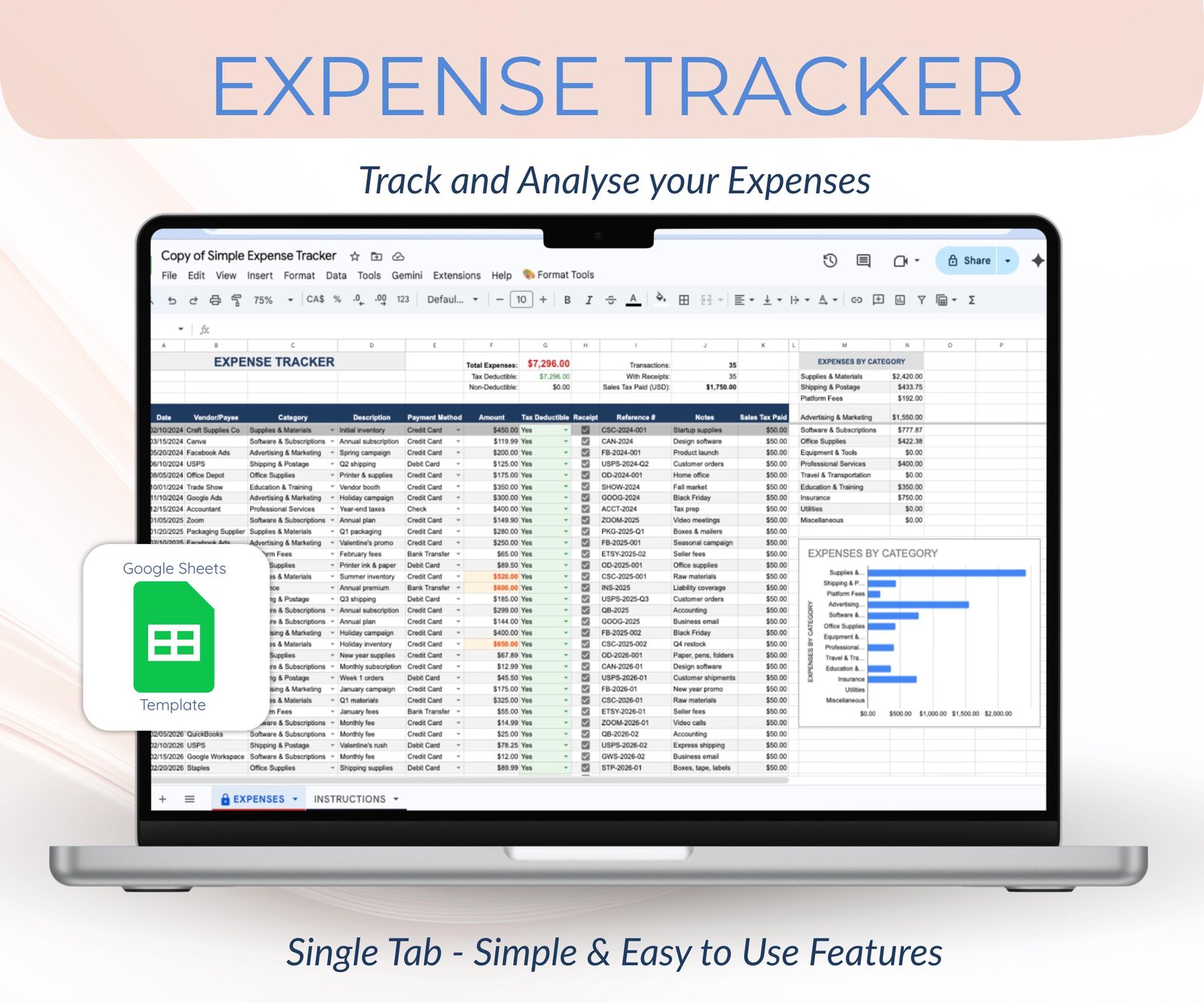
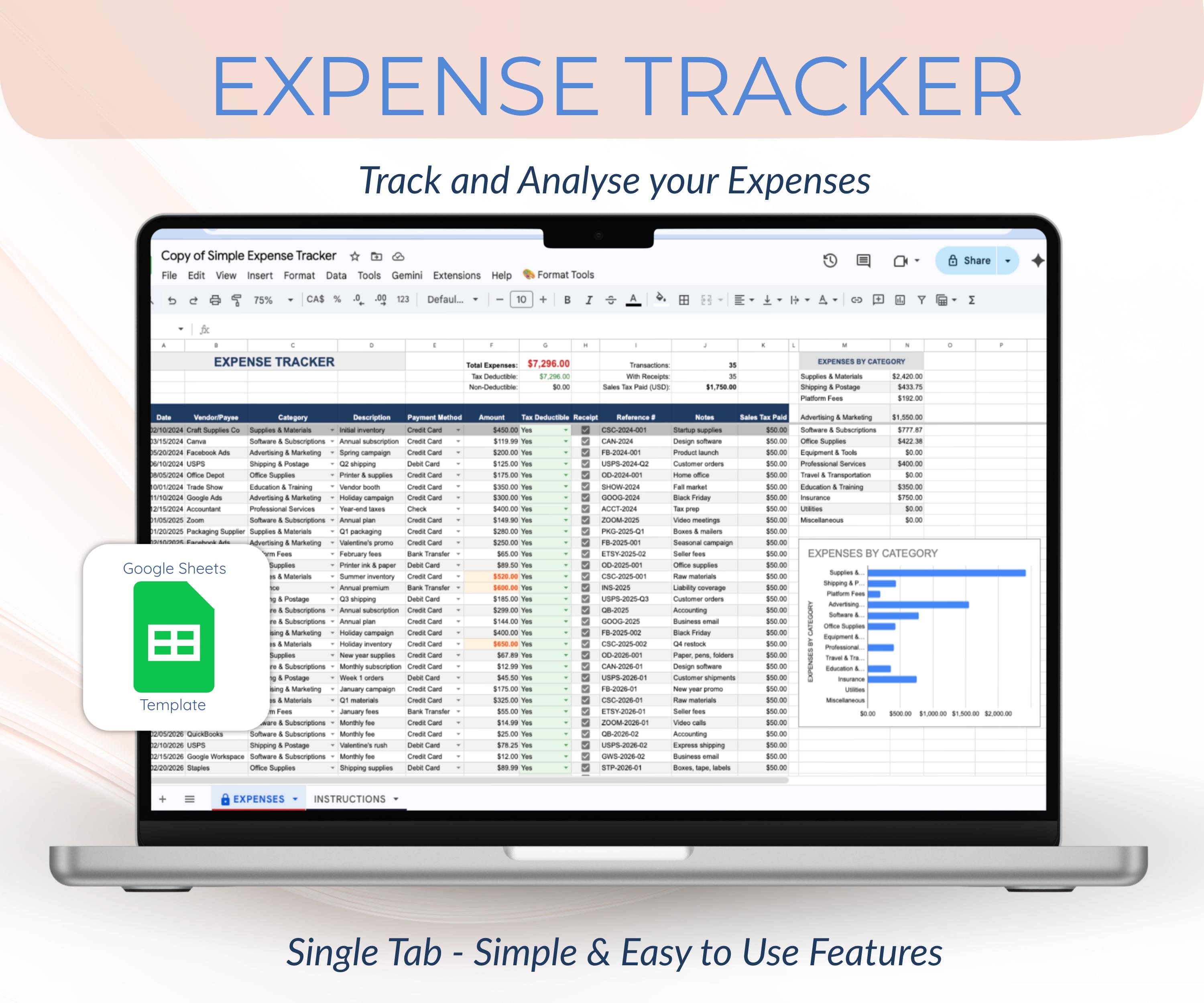
The simple tracker costs $7.99 and includes 13 pre-built expense categories matching IRS Schedule C lines. The full bookkeeping sheet ($36) adds income tracking, profit & loss statements, and quarterly tax estimates.
Starter Option
Simple Expense Tracker Spreadsheet
Step 2: Make Your Own Copy
Once you purchase and open the Google Sheets template:
- Click File → Make a Copy
- Name it “[Year] Etsy Business Expenses”
- Save it to YOUR Google Drive (not the template owner’s)
- Delete all sample data rows
Important: Never edit the original template link. Always work from your own copy.
Step 3: Set Up Your Categories
Your spreadsheet should have these minimum categories (all matching Schedule C lines):
- Advertising
- Car & Truck Expenses (or Mileage)
- Commissions & Fees (Etsy fees go here)
- Insurance
- Legal & Professional Services
- Office Supplies
- Purchases (materials for products you resell)
- Raw Materials & Supplies
- Shipping & Postage
- Software & Subscriptions
- Taxes & Licenses
- Travel & Meals (50% deductible)
- Utilities (for home office)
Our templates come pre-configured with these exact categories, so you don’t have to build them from scratch.
Step 4: Enter Transactions Weekly (Not Monthly!)
Here’s the habit that saves hours at tax time:
- Set a recurring calendar reminder (Friday afternoon works best)
- Open your Etsy payment account
- Download the week’s transactions
- Enter each expense into your spreadsheet with date, vendor, amount, and category
- Take a photo of any paper receipts and attach to the row (Google Sheets allows image attachments)
This takes 10-15 minutes per week. Waiting until month-end means 45-60 minutes of catch-up work—and you’ll forget small expenses along the way.
Step 5: Track Mileage Separately
Create a simple mileage log tab with these columns:
- Date
- Destination (e.g., “Post Office,” “Michaels”)
- Purpose (e.g., “Ship customer orders,” “Buy packaging supplies”)
- Starting odometer
- Ending odometer
- Total miles
At year-end, multiply total business miles by 0.67 (the 2026 IRS rate) for your deduction amount.
Common Etsy Expense Tracking Mistakes (And How to Avoid Them)
After working with hundreds of Etsy sellers on their bookkeeping, I’ve seen the same mistakes over and over. Here’s what to avoid:
Mistake #1: Mixing Personal & Business Expenses
Never use your personal checking account for business purchases. Open a separate business bank account (many banks offer free business checking). This makes expense tracking 10x easier and protects you during an audit.
Mistake #2: Not Tracking Small Expenses
That $3.50 pack of shipping labels? The $12 craft store run? These add up fast. One seller I worked with discovered she’d spent $847 on “small” supply runs she hadn’t tracked—all deductible money she almost missed.
Mistake #3: Forgetting Platform Fees
Etsy fees aren’t just the listing fee. You’re also paying:
- Transaction fee: 6.5% of sale price
- Payment processing: 3% + $0.25 per transaction
- Offsite ads: 12-15% (if you opt in)
- Regulatory operating fee: Varies by region
All of these are deductible. Our best Google Sheets templates for Etsy sellers guide breaks down exactly how to track each one.
Mistake #4: Waiting Until Tax Season
By April, you’ve forgotten half your expenses. Receipts are lost. Bank statements are a blur. Track weekly, review monthly, and tax season becomes a 30-minute task instead of a weekend nightmare.
Choosing the Right Template for Your Business Stage
Not every seller needs the same level of complexity. Here’s how to choose:
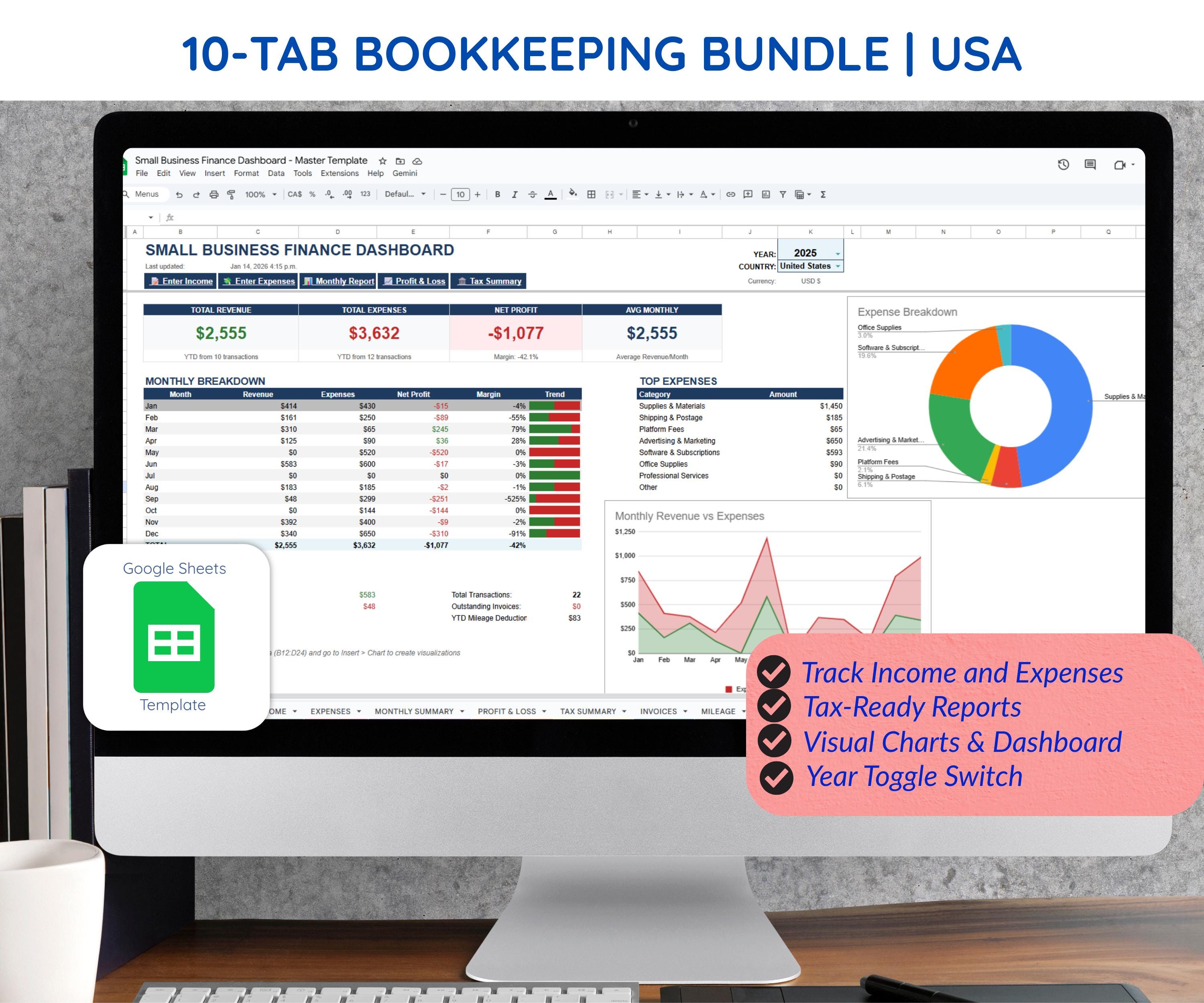
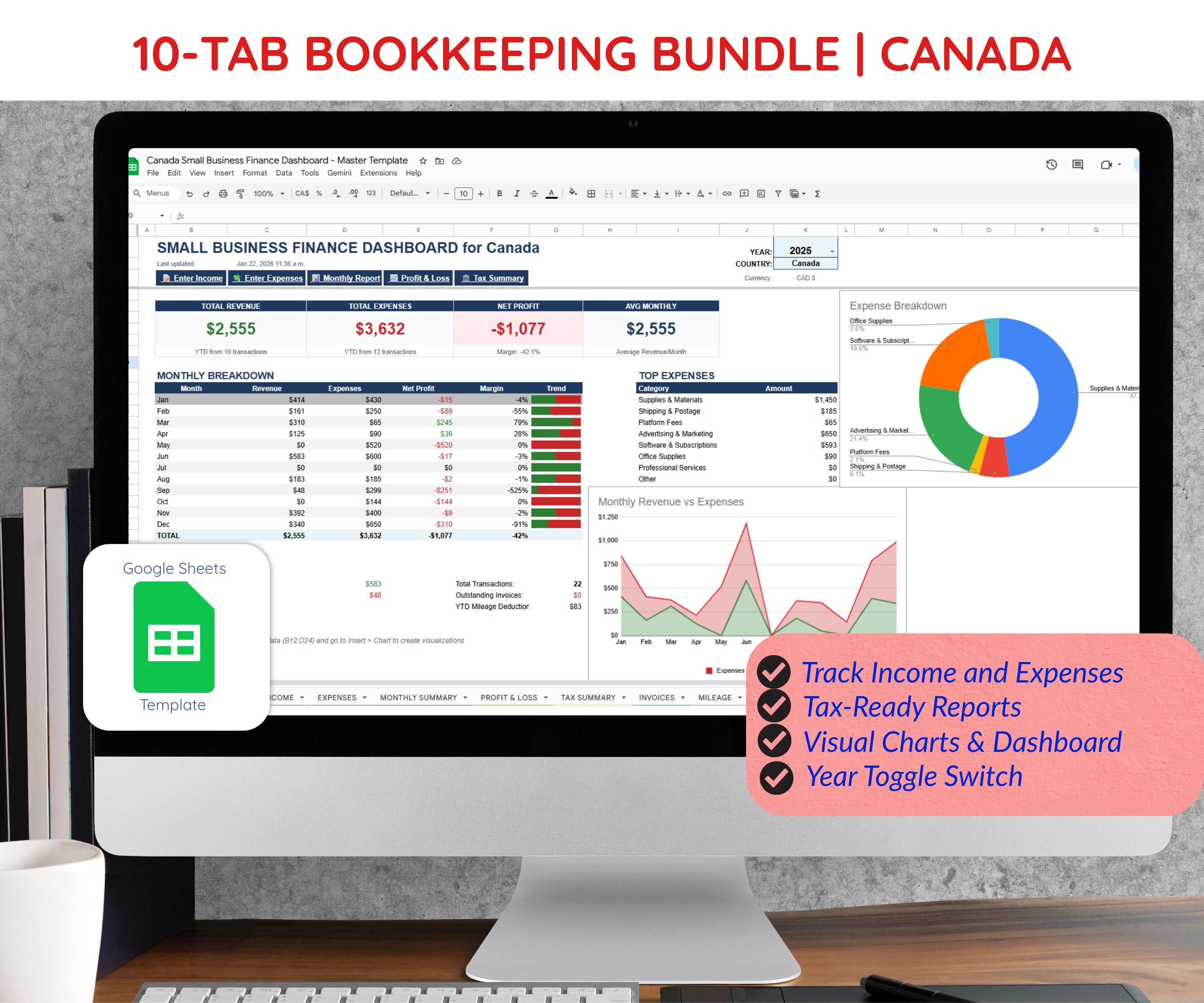
| Feature | Simple Expense Tracker | USA Bookkeeping Spreadsheet | Canada Bookkeeping Spreadsheet |
|---|---|---|---|
| Price | $7.99 | $36.00 | $36.00 |
| Best For | New sellers (<$20k/year) | Established US sellers | Canadian sellers |
| Tax Form | Schedule C ready | Schedule C (IRS) | T2125 (CRA) |
| Income Tracking | ❌ No | ✅ Yes | ✅ Yes |
| Profit & Loss | ❌ No | ✅ Yes | ✅ Yes |
| Quarterly Estimates | ❌ No | ✅ Yes | ✅ Yes |
| GST/HST Tracking | ❌ No | ❌ No | ✅ Yes |
| Dashboard Charts | Basic | Advanced | Advanced |
Start simple, upgrade later. If you’re just launching your Etsy shop, the $7.99 expense tracker handles everything you need. Once you hit $20k+ in annual revenue, invest in the full bookkeeping system.
For US Sellers
USA Small Business Bookkeeping
For Canadian Sellers
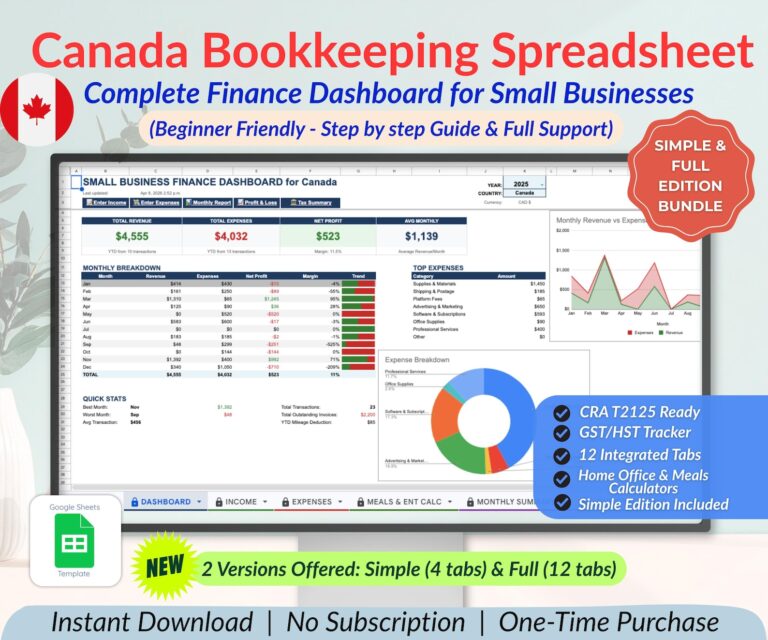
Canada Small Business Bookkeeping
FAQ: Etsy Expense Tracking Questions Answered
Do I Need an LLC to Deduct Etsy Expenses?
No. As a sole proprietor (the default for most Etsy sellers), you report business income and expenses on Schedule C attached to your personal tax return (Form 1040). An LLC provides liability protection but doesn’t change how you track expenses.
What If I Use My Personal Credit Card for Business?
You can still deduct those expenses, but you’ll need to manually separate business from personal transactions. This is why I strongly recommend a dedicated business card—it turns a 2-hour categorization session into a 15-minute review.
How Long Should I Keep Etsy Expense Records?
The IRS recommends keeping records for at least 3 years from your filing date. If you claim a loss or underreport income by more than 25%, keep records for 6 years. Digital spreadsheets make this easy—just archive each year’s file in Google Drive.
Can I Deduct My Etsy Subscription Fee?
Yes! Etsy Plus ($10/month) and any other subscription services used for your business are fully deductible under “Software & Subscriptions” or “Commissions & Fees.”
What About Craft Fair Expenses?
Booth fees, table rentals, display materials, travel mileage, and even meals during the event (50% deductible) all count as business expenses. Track these separately if you do multiple fairs per year—it helps you calculate ROI per event.
Ready to Get Your Etsy Finances Organized?
Tax season doesn’t have to be stressful. With the right Google Sheets expense tracker, you can:
- Track every deductible expense in under 10 minutes per week
- See your real profit margins at a glance
- Walk into tax season with organized, audit-ready records
- Save hundreds on accounting software subscriptions
Start with the Small Business Finance Tracker if you want to see our flagship product in action, or grab the Simple Expense Tracker for immediate, no-frills organization.
Either way, your future self (and your accountant) will thank you when April 15 rolls around.
Limited Time ⭐ Tax Season Special
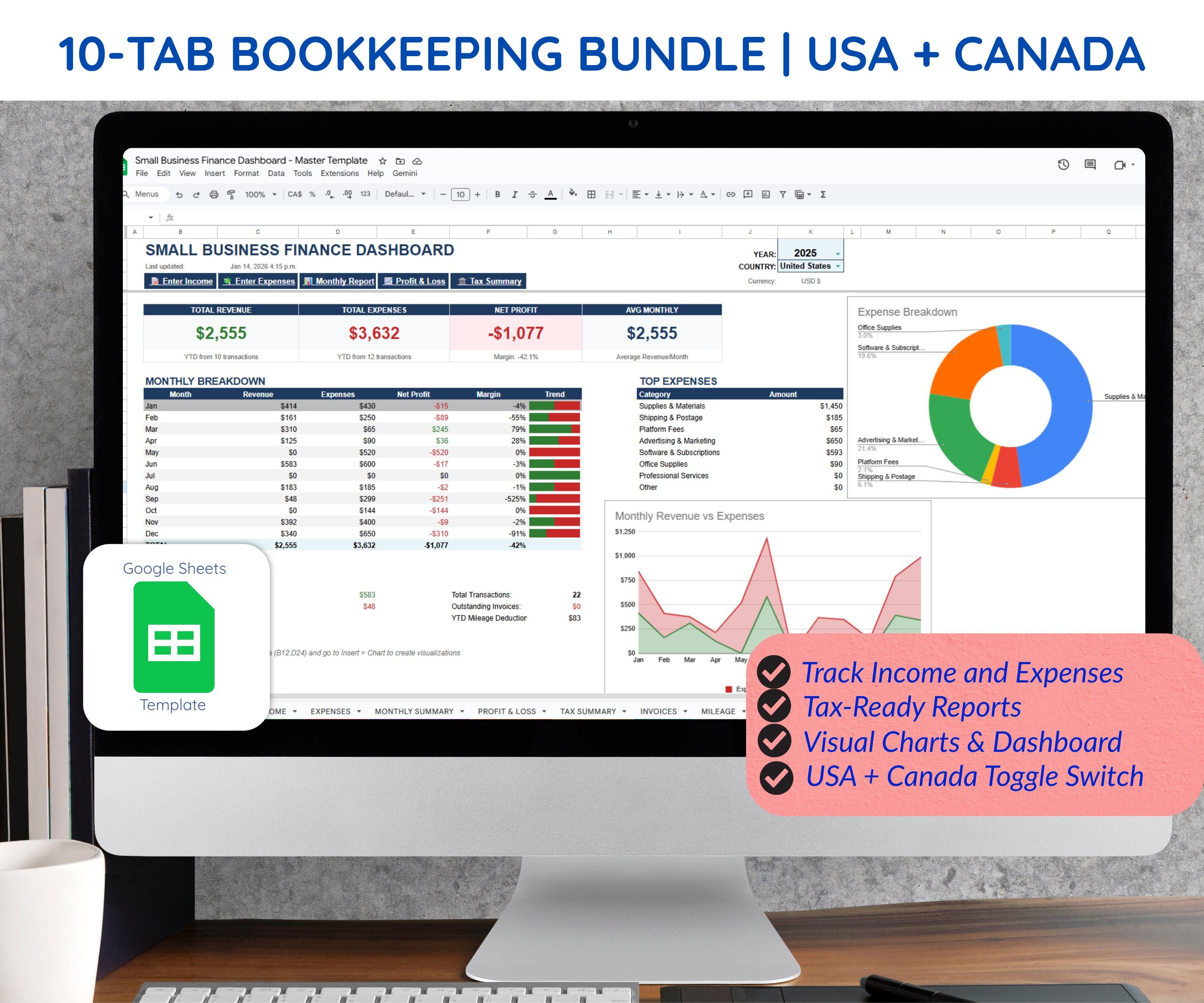
USA + Canada Multi-Currency Finance Dashboard